
Distributors, Save & Share, Geolocation, CPQ ribbon
Run your whole distributor network in HeadQ, let buyers save configurations for later, and route every lead to the right partner by location.
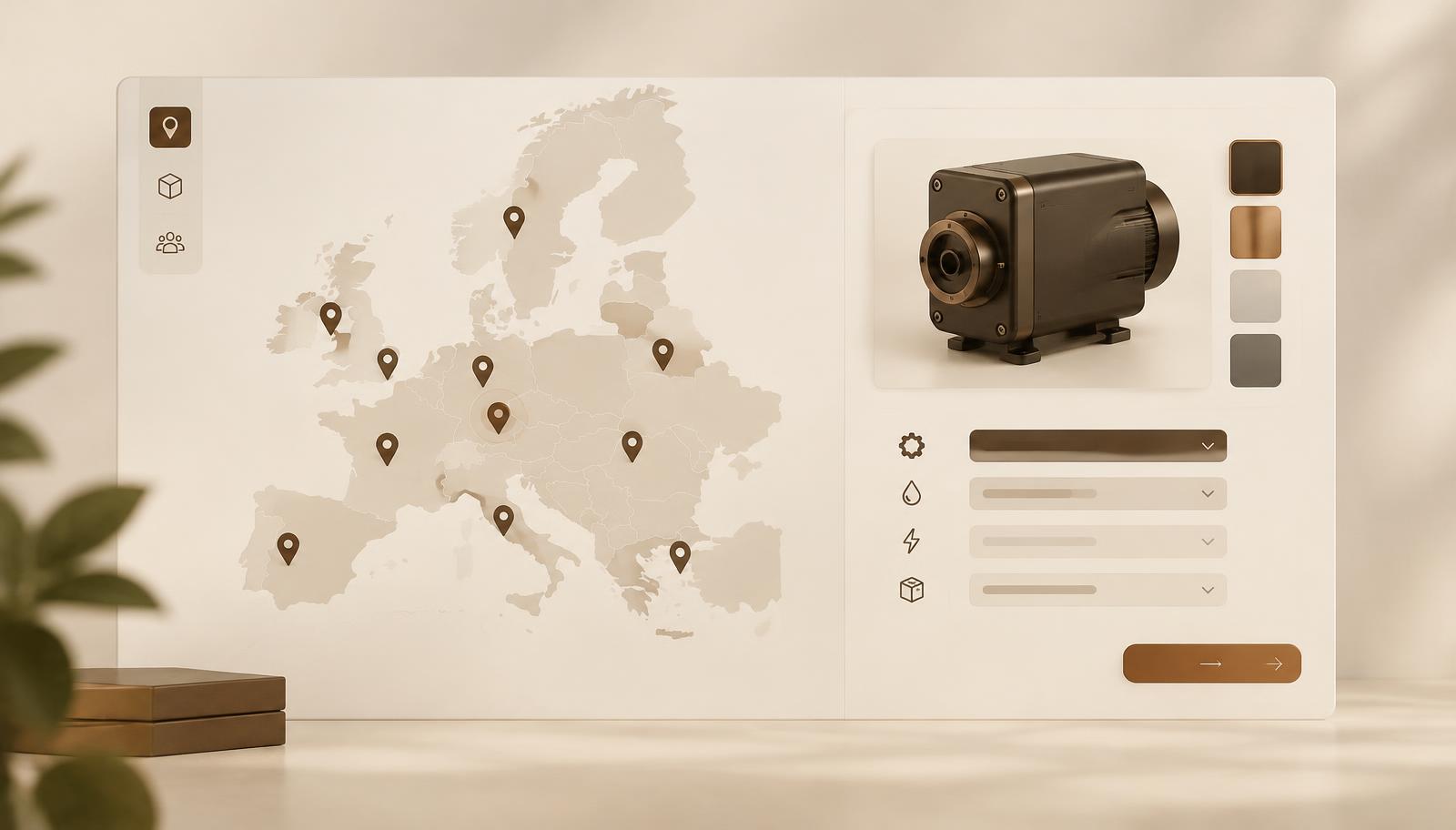
Managing a distributor network shouldn't mean chasing spreadsheets and forwarding leads manually. Now it doesn't.
Distributors
Assign each distributor their territory, their products, and their pricebook. They get a branded configurator they can embed on their own site or use as a standalone sales page. Buyers configure, see real pricing, and submit quote requests on their own — no back-and-forth required.
Every lead routes to the right distributor automatically. And you get full visibility across your entire network in one place, without having to ask anyone for updates.
Save & Share Configuration
Complex purchases rarely happen in one sitting. Now buyers and sales reps can build a configuration, save it, and come back to it when they're ready without starting from scratch.
Each saved configuration is valid for 90 days. When a buyer chooses to send it to their email, you get a lead. It's a natural handoff that fits how your customers actually buy.
Geolocation detection
Your buyers shouldn't have to figure out who to contact. HeadQ now automatically detects where a buyer is browsing from and assigns them to the right distributor based on your market mapping. No manual selection needed.
If multiple distributors cover the same region, the buyer gets a simple list and picks who they want to work with. The right lead gets to the right partner, every time.
CPQ navigation ribbon
We added a navigation ribbon to the CPQ experience that gives buyers quick, visible access to Save & Share, location selection, and distributor choice — right where they need it.
It's fully customizable, so you control what appears. If you're not using distributors or Save & Share, it simply won't show up.